For restaurants that want more event revenue.
Group bookings, private dining, set menus, last-minute changes. Openevent keeps your event business running cleanly without distracting the team running the floor.
Where restaurants get burned
- Group bookings live in WhatsApp messages, not in the system.
- Set menus get re-priced manually each time.
- Deposits collected ad-hoc, sometimes forgotten.
- Allergies and dietary requirements scribbled on a paper.
Built for restaurants with an event business
- Private event view, separate from the regular reservation system.
- Set menu templates with deposit and balance flows.
- Custom checkout questions for dietary requirements.
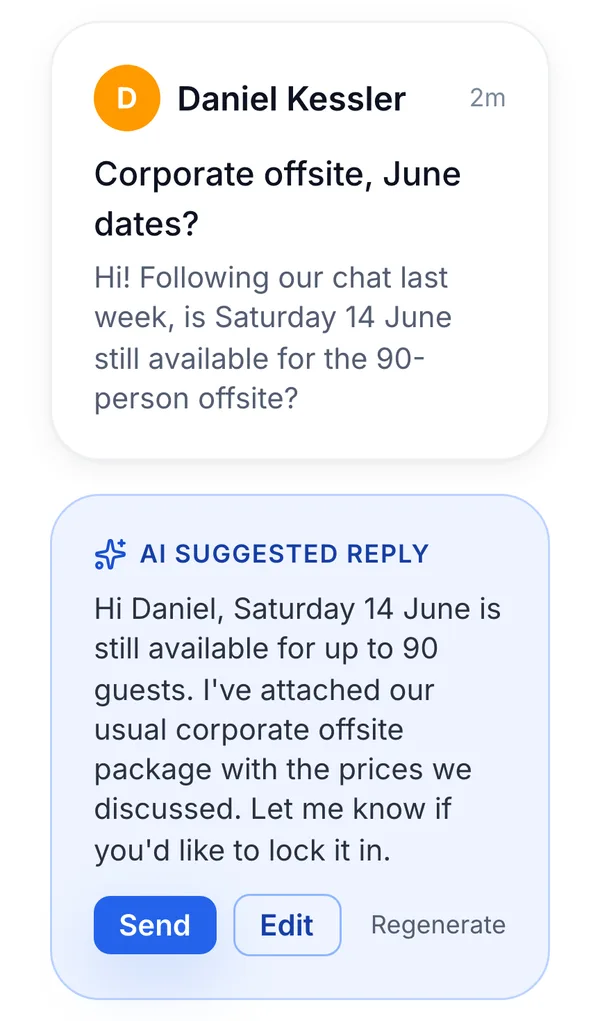
- One inbox with AI replies, the team never has to draft another booking email.
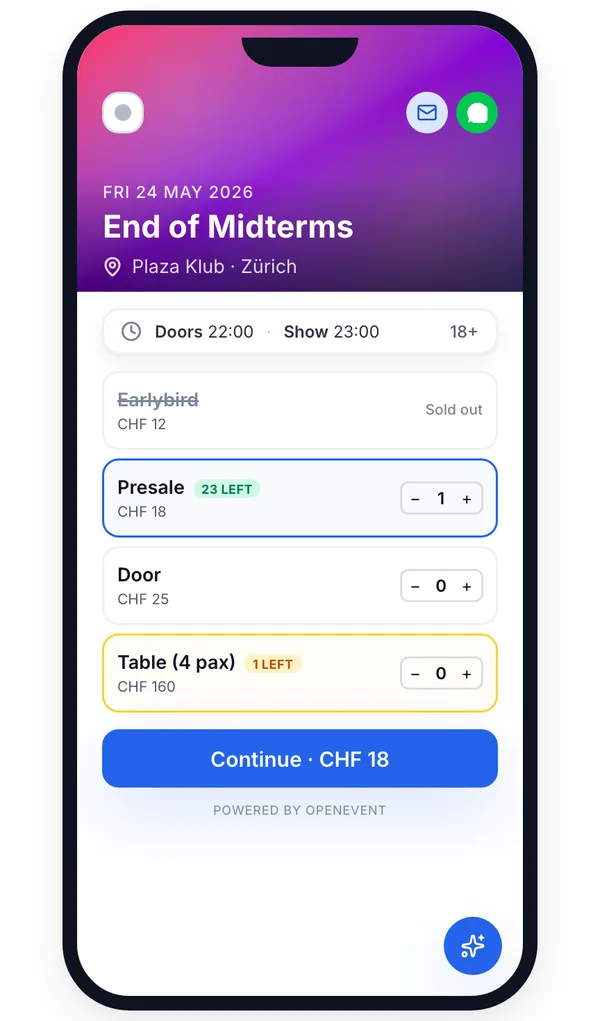
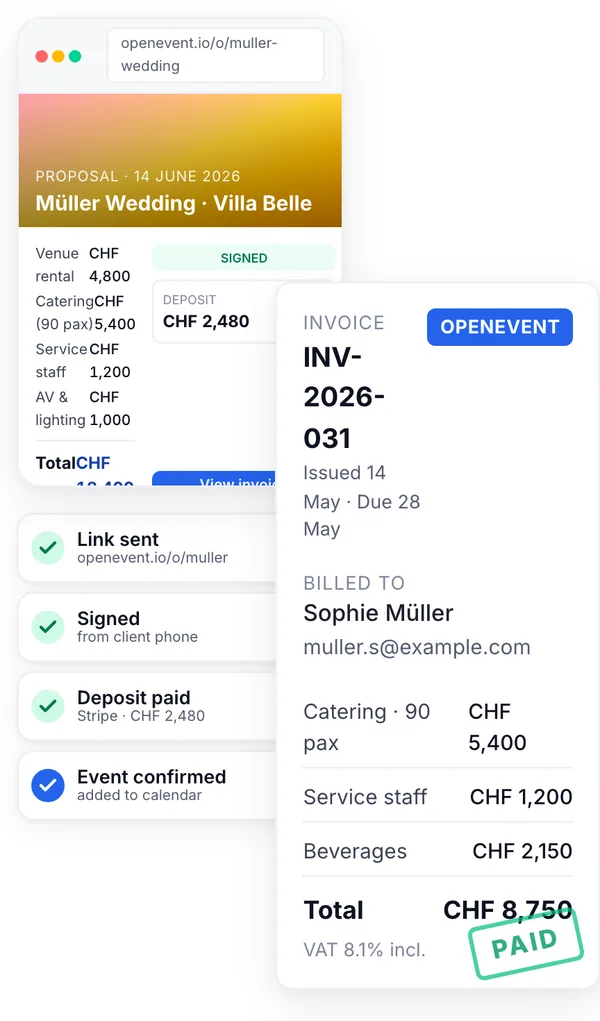
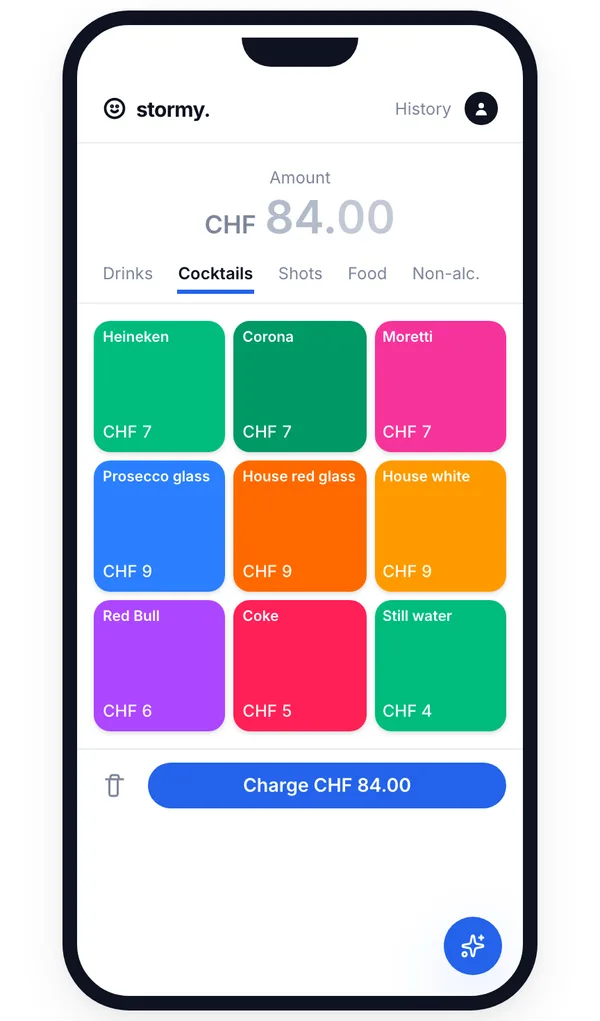
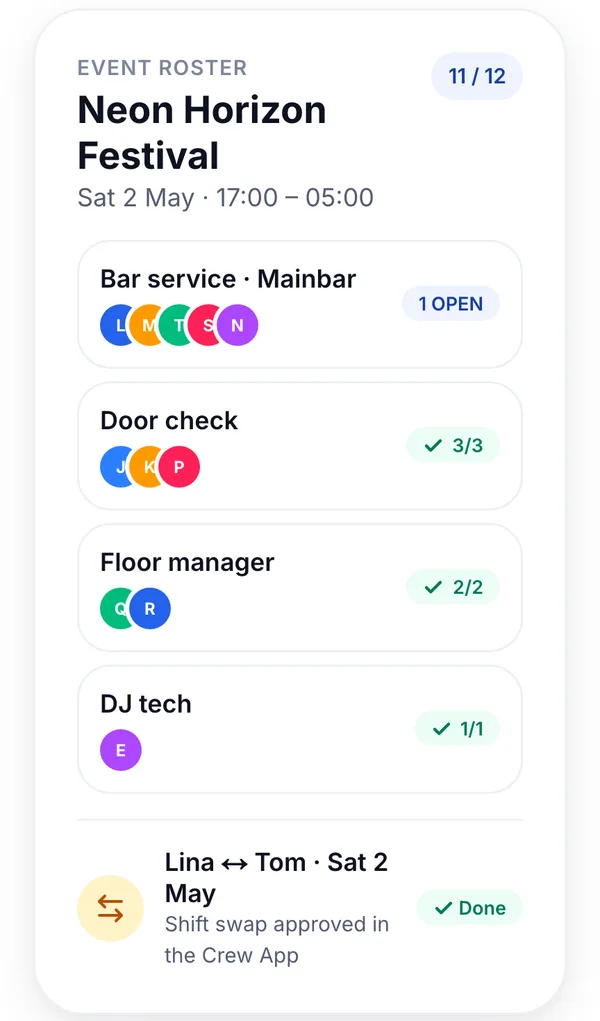

The features that matter most, for your operation.
Save and reuse menus per event type, per season.
Collect deposits at signature, balance closer to the date.
Per-guest custom questions, summarised before service.
Drafts polite replies in the right language, in seconds.
Returning groups tracked, surface their previous order.
Signed contracts and paid invoices archived automatically.
Openevent is for the events team. Crew App is for the floor.
Reservations & table check-in
Scan tickets via their QR code, or look up a private-dining guest by name. Manage table reservations, surface dietary notes, and let AI connect every datapoint, from past visits to spend per cover.
Explore the Crew app
- Nina StuderVIP21:48
- Lukas M.21:46
Floor staff
No more 'hobby operations'. Floor staff check their shifts, swap with colleagues, and keep an overview of their hours and tips.
Tap to Pay at the table
With the Openevent Crew app, every server can accept card payments directly from their iPhone (Android coming soon). Customise menus per outlet, assign staff, and track every cover back to the same Stripe account.
Stay on top of every private booking without the admin overload.
Openevent turns private dining and group bookings into a structured workflow, offers, deposits, menus, staff, alongside the day-to-day.
AI for restaurants & private dining.
Easily prepare offers and send invoices for every private booking.
The corporate client booked last quarter. Surface their last order on enquiry.
- Sunset Sessions · Vol 1226 Apr 2026 · Online 22:14
- Mainstage · NYE 202631 Dec 2025 · Online 23:47
- Garden Open Air16 Aug 2025 · Door 21:02
- Mainstage Live · Spring5 May 2025 · Online 21:38
We never hold your money.
Every payment, offer, invoice or ticket, lands in your Stripe instantly. Not in 14, 21 or 30 days. You stay in control of your cash flow.
Every server is a checkout.
Plan shifts. Publish openings. No more WhatsApp shift swaps for the floor.
Common questions
- No. Openevent is built as the events layer next to your reservation system, not a replacement. Your à-la-carte covers, walk-ins and waitlist stay where they are; Openevent handles the private-dining-room calendar, set menus, deposits and run sheets in a separate view so your floor team and your events workflow don't collide.
- Openevent treats the private room as its own bookable resource with its own calendar, so an events booking blocks the room and your team mirrors it back into your reservation tool as a hold. We're transparent that this is a manual cross-check today rather than a live two-way sync, many teams already do exactly this with Tripleseat, and it works once the room ownership is clear.
- Yes. Set one capacity limit for the whole event and Openevent counts tickets, guest list and table seats against it together. The fire limit is a room limit, not a ticket limit, so a category that still has tickets left but sits behind a full room is shown as capacity reached rather than sold out.
- Yes. Any add-on at checkout can be charged once per ticket instead of once per order, so a welcome drink or a set menu supplement multiplies with the party size automatically. You can also pre-tick it, and the buyer can still remove it.
- Yes. Set menus support a deposit (fixed amount or percentage) at booking and an automatic balance reminder before the event, both via Stripe. Stripe fees are passed through at cost, and Openevent's own fee is 1%* on processed payments. No card-on-file workarounds, no separate payment terminal.
- Custom checkout questions capture allergens and dietary needs guest-by-guest at booking, and they print onto the event sheet the kitchen sees on the day. It is not a full allergen-tagged menu database, it's structured intake plus a clear run sheet, which is what most private-dining teams actually need.
- Set menus are saved as templates with versions, duplicate the autumn menu, tweak the courses, set it live for the next quarter. Past events keep the version they were booked on, so a December booking still shows the December menu after you've moved on.
- The AI inbox reads incoming booking emails, drafts a reply using your set menus, availability and policy, and waits for you to approve before sending. It doesn't auto-confirm bookings on its own, final say stays with your events manager. The point is response time: replies within an hour convert dramatically better than replies hours later.
- Yes, every event rolls up to a group-level dashboard with revenue by venue, by private room and by repeat host. The CRM flags returning groups across all locations, so if a corporate client booked your Zürich venue last quarter, the Geneva team sees it the moment they enquire.
- Both. You can send a set-menu offer the guest confirms and pays online in a couple of clicks, or keep it fully manual and handle each enquiry yourself, whichever suits the booking. Either way the deposit, confirmation and run sheet are created automatically.
- Yes. Send a branded offer with your menus, pricing and terms that the host can sign digitally, and the signed confirmation is stored automatically against the event. It looks like your restaurant, not a generic PDF.
- Your data is yours, full CSV export of every booking, contact and document at any time, no exit fee. Pricing is free to register and use for most features; we take 1%* on payments processed through Openevent, and Stripe fees are separate. No per-location licence, no setup fee, no annual lock-in.
One software for everything.
Connects with





Try Openevent For Free
The all-in-one platform built for restaurants, private events, group bookings, set menus. Free to register · 1%* only on processed payments.